Verse Notes
A protected place to write and think.
Markdown notes, lists and reminders, encrypted so not even we can read them. No account and no tracking.
- No account
- No tracking
- Works offline
Now in testing on iPhone and Android. Mac comes next.
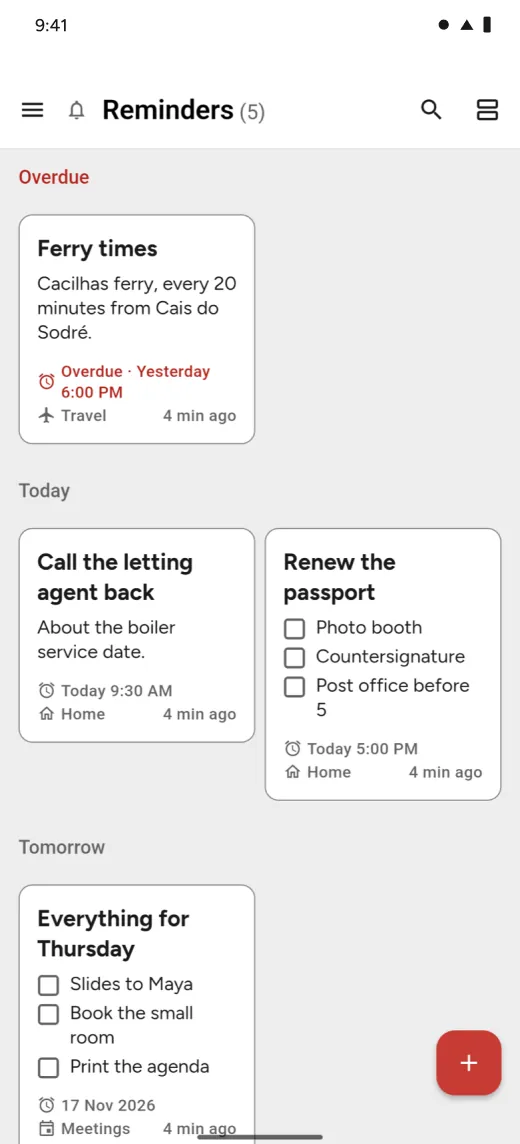
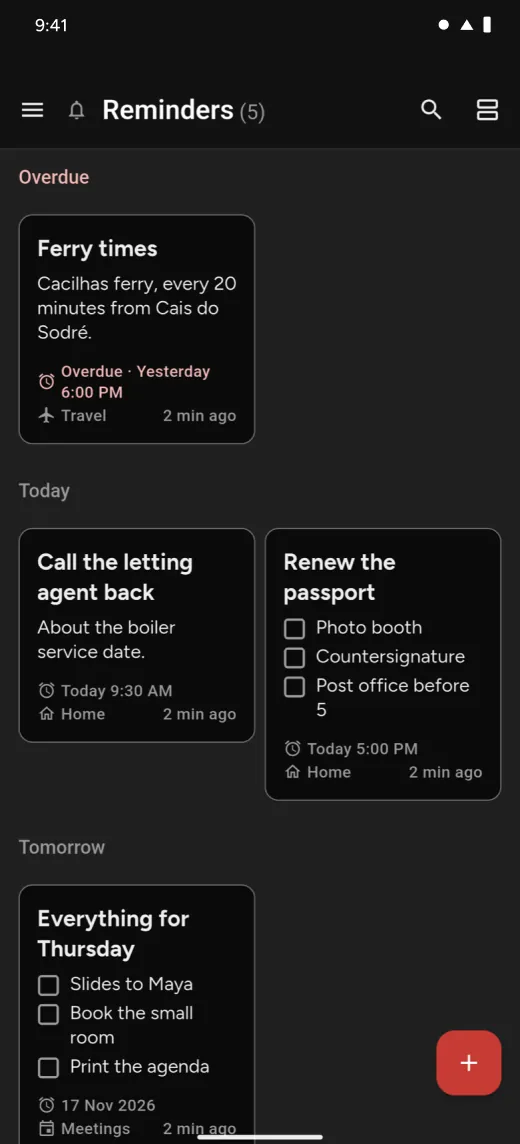
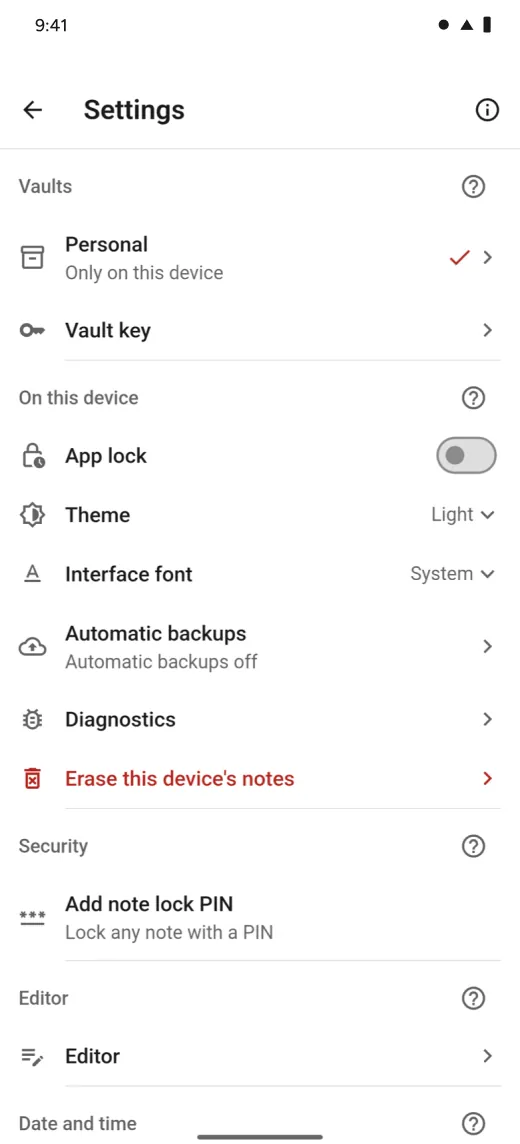
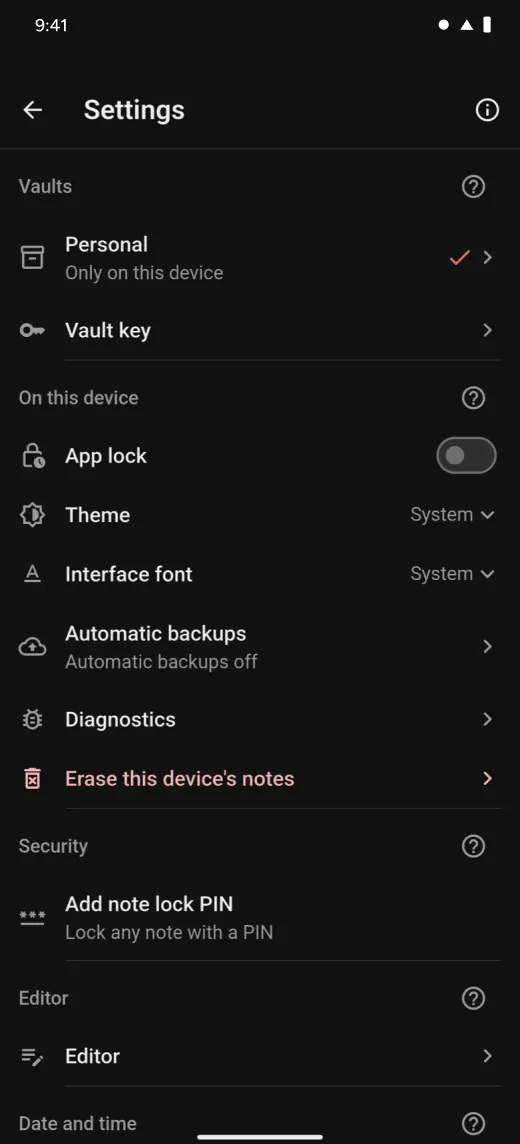
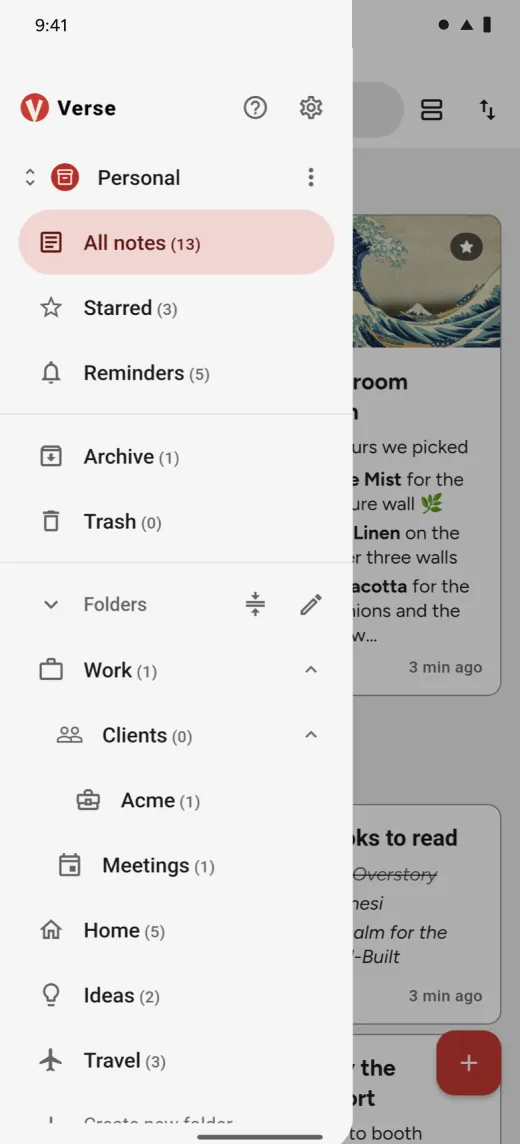
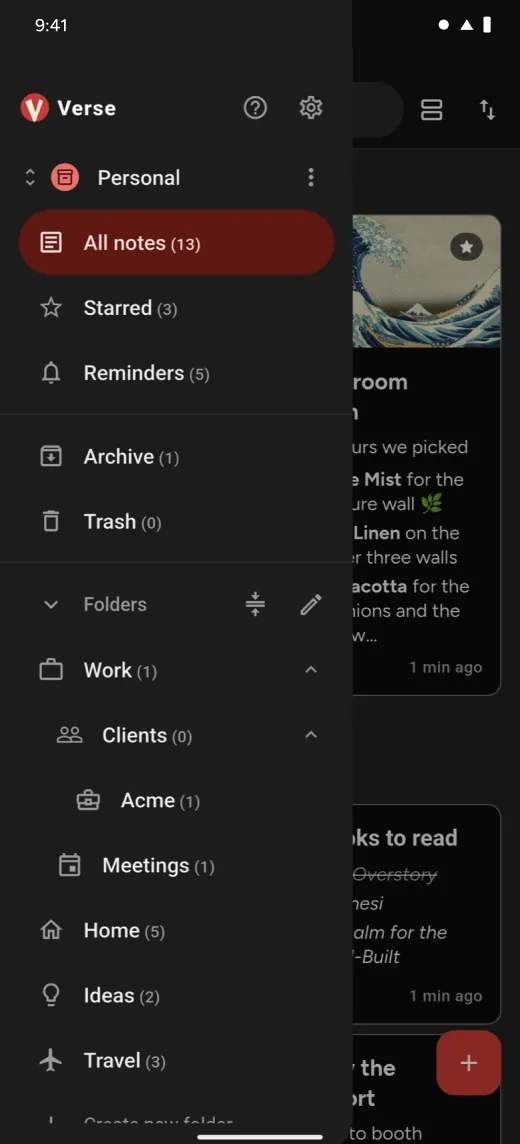
Private by design
Not even we can read your notes.
Notes are sealed on your phone before they are saved. There is no account to make and nothing follows you around.
Encrypted on your device
Notes are sealed on the phone before they are saved.
Works without a connection
Write anywhere. Nothing waits on a server.
No account, no tracking
Open the app and start writing.
Notes, lists and reminders, in one quiet place.
Markdown in and out
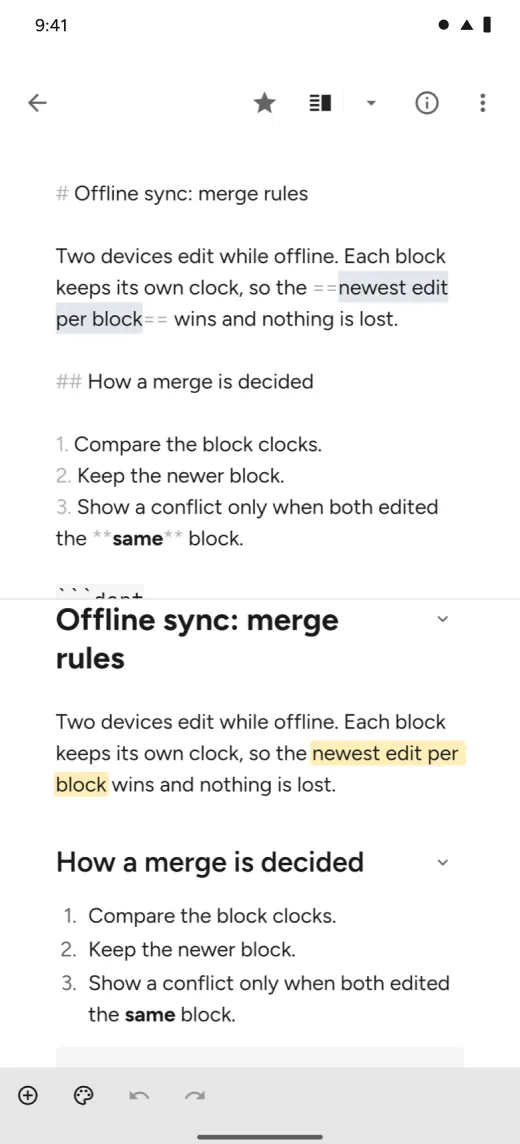
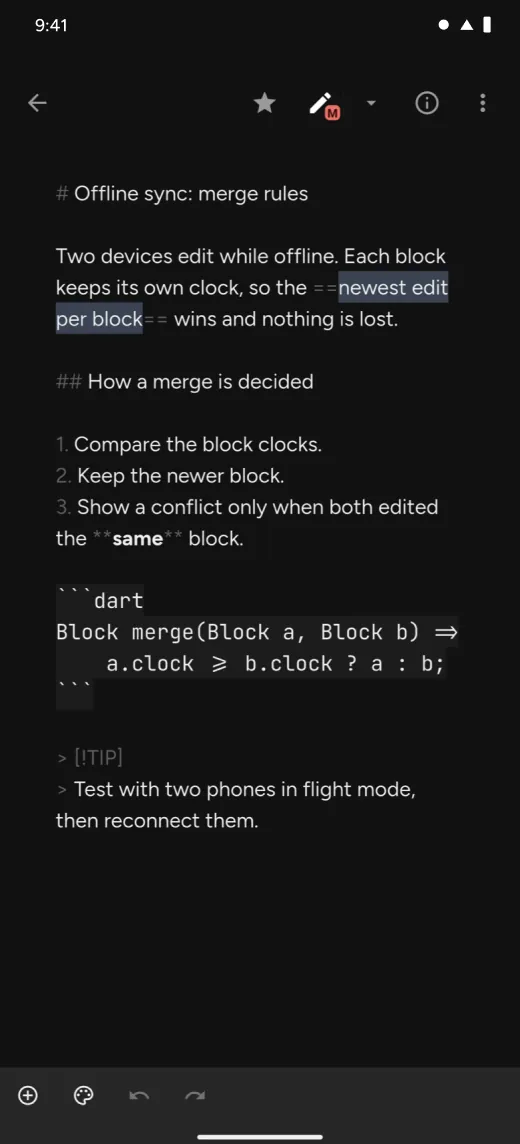
Open your notes anywhere Markdown works. Tables, code and callouts come along.
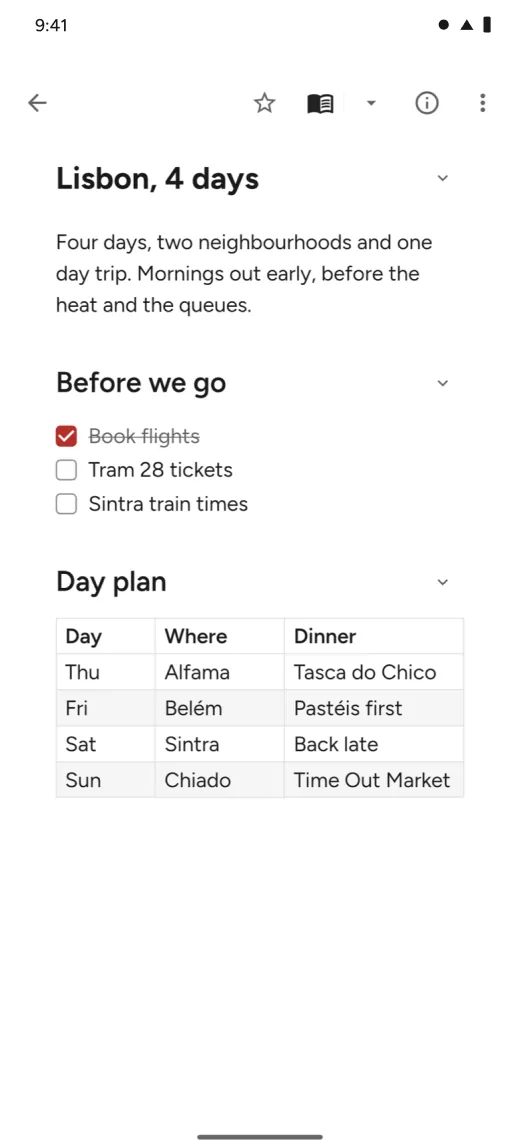

Lists and reminders
Checklists beside your writing, and reminders that say what they are for.
Folders, labels and lock
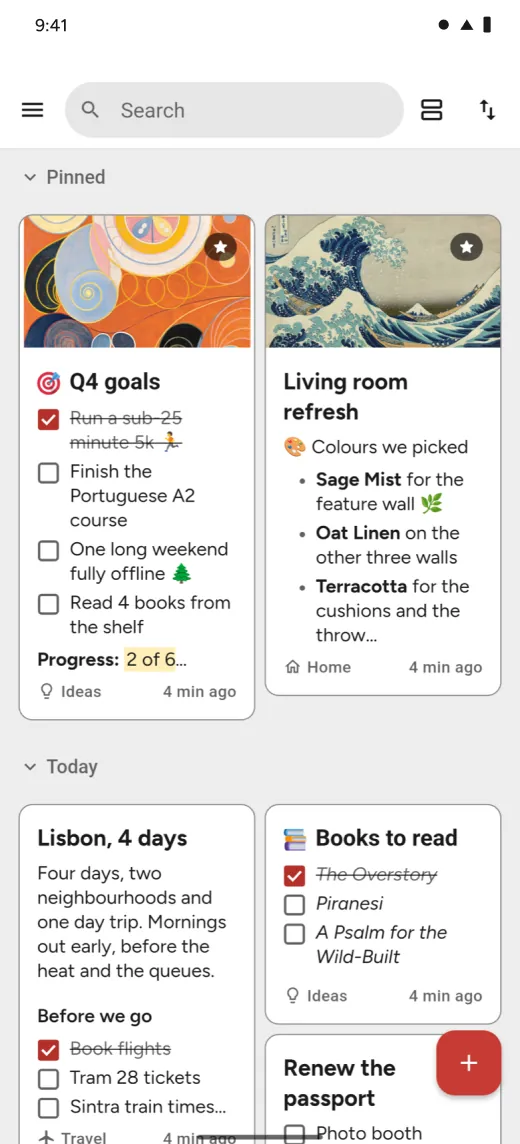
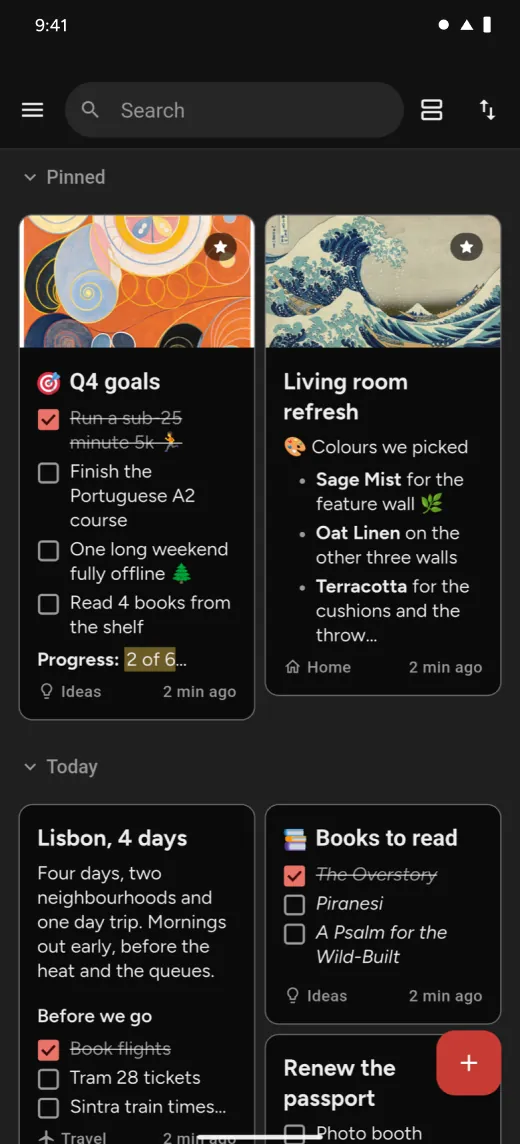
Sort notes your way, lock the private ones, export any time.
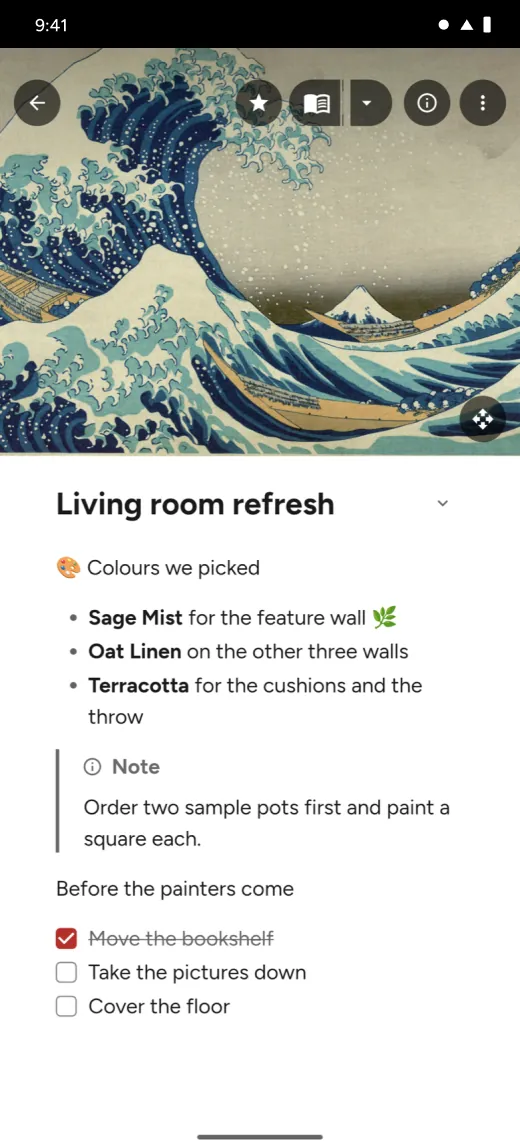
Make each note yours
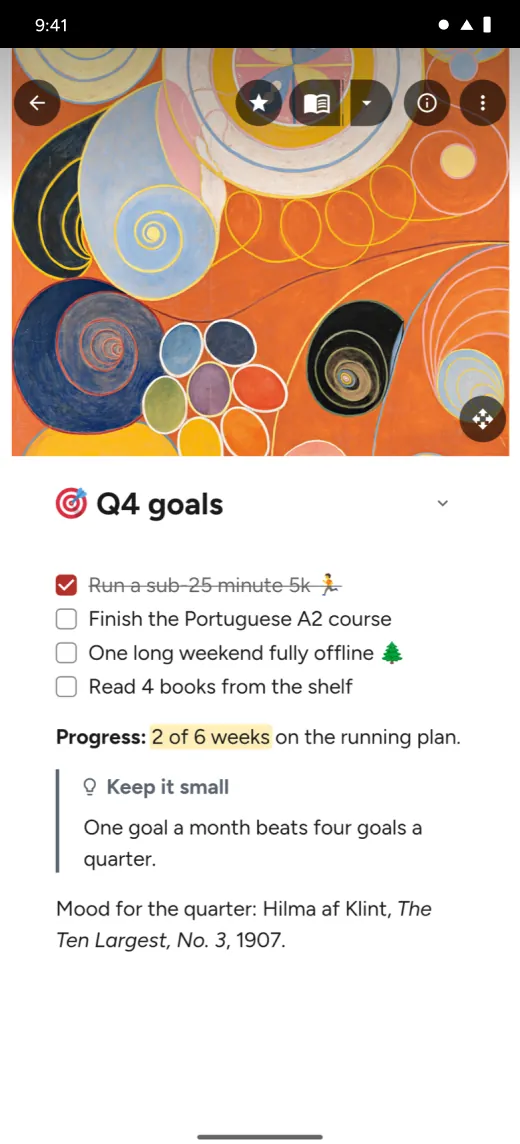
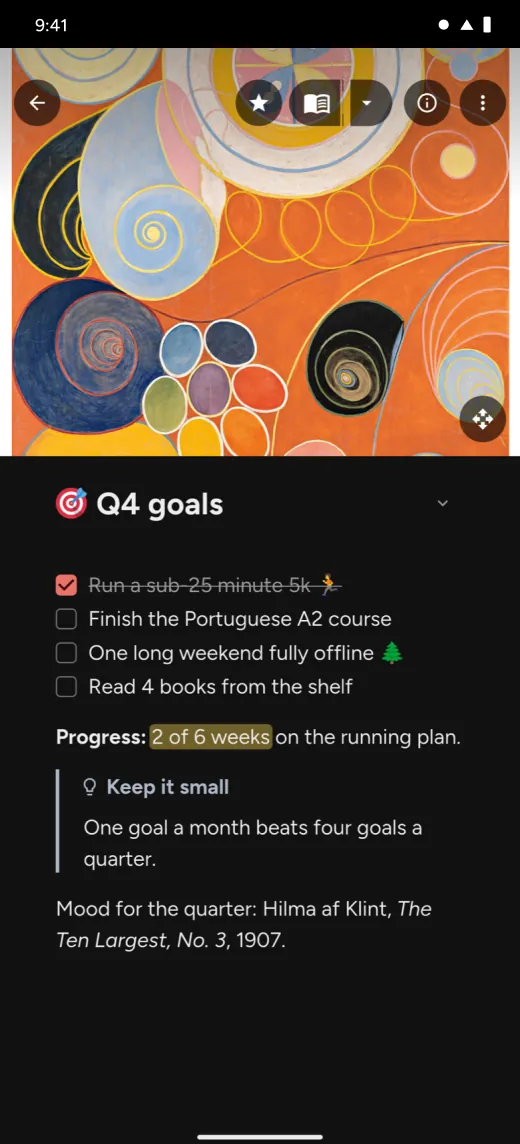
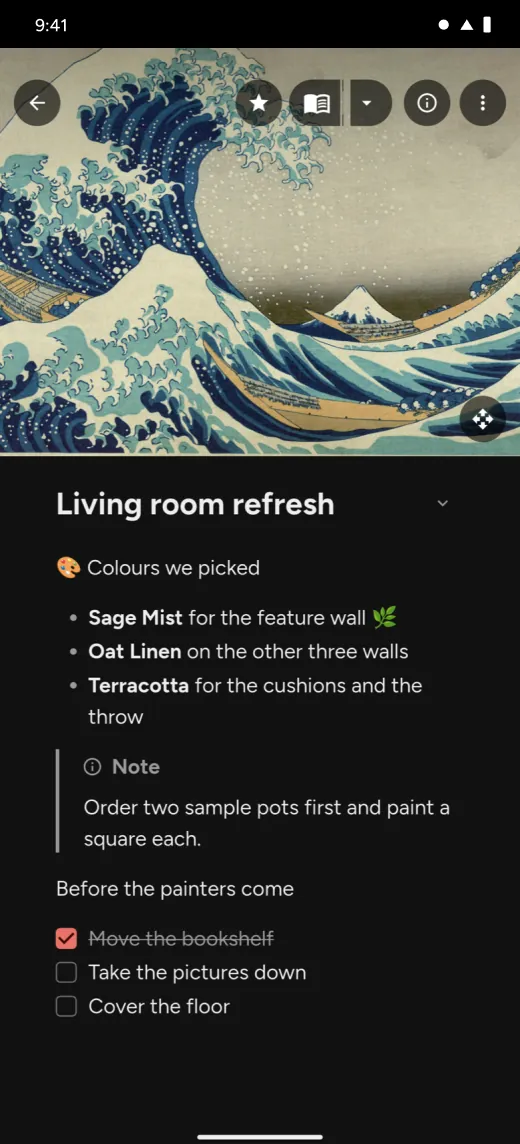
Covers, icons and callouts, so the note you need is the one you see first.
Questions
Before you join, here is what to expect
What does testing cost me?
Some time and some patience. A test build can have bugs, and a bug can lose a note, so keep a backup of anything you cannot lose. Updates come often.
Which devices can test?
iPhone and Android now, through TestFlight and Google Play testing. Mac comes next: choose it when you join and you are invited when its build is ready.
When will I get an invitation?
Places open in small groups as builds are ready. The invitation comes by email from TestFlight or Google Play; until then, nothing else arrives.
Where does my email address go?
Onto the testing list, used only to confirm it is yours and to invite you. Resend sends our two emails, and Apple or Google sends the invitation. It is never sold, and the privacy policy has the details.
How do I leave?
Use the link in any email from the list, and your address is deleted. Once you are testing, leave from TestFlight or from the testing page on Google Play.
Write it down. Keep it yours.
Join in three steps
- Join the listLeave your email and the devices you test on.
- Confirm your emailOpen the link in the one email we send.
- Accept the invitationTestFlight or Google Play invites you when a place opens.
What we promise
No spam: One email to confirm. Then nothing until a place opens.
Never sold: Used only for the testing. Resend sends our email.
Leave any time: Every email has a link that deletes your address.
Auto-deleted: If you do not open the confirmation link, your address is gone after 7 days.
Verse Notes
Join the testing
iPhone and Mac through TestFlight, Android through Google Play testing.